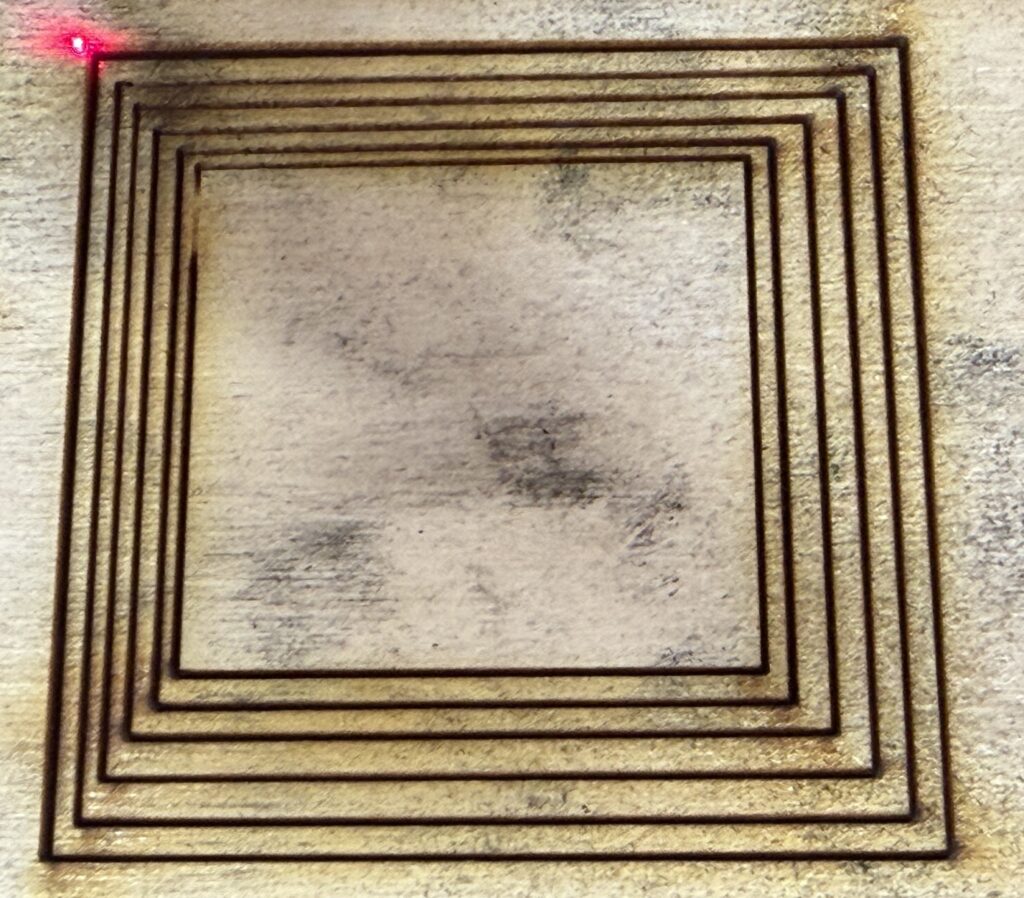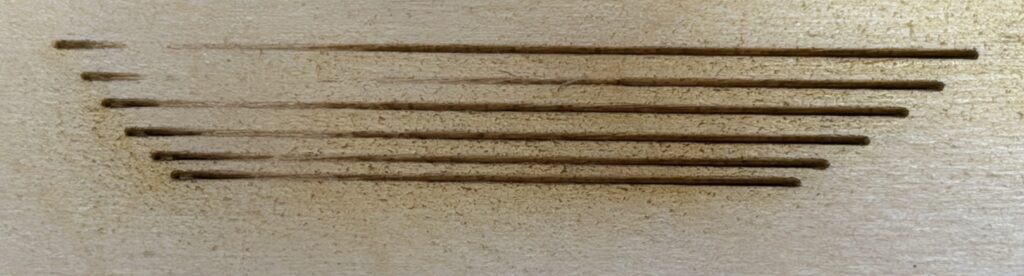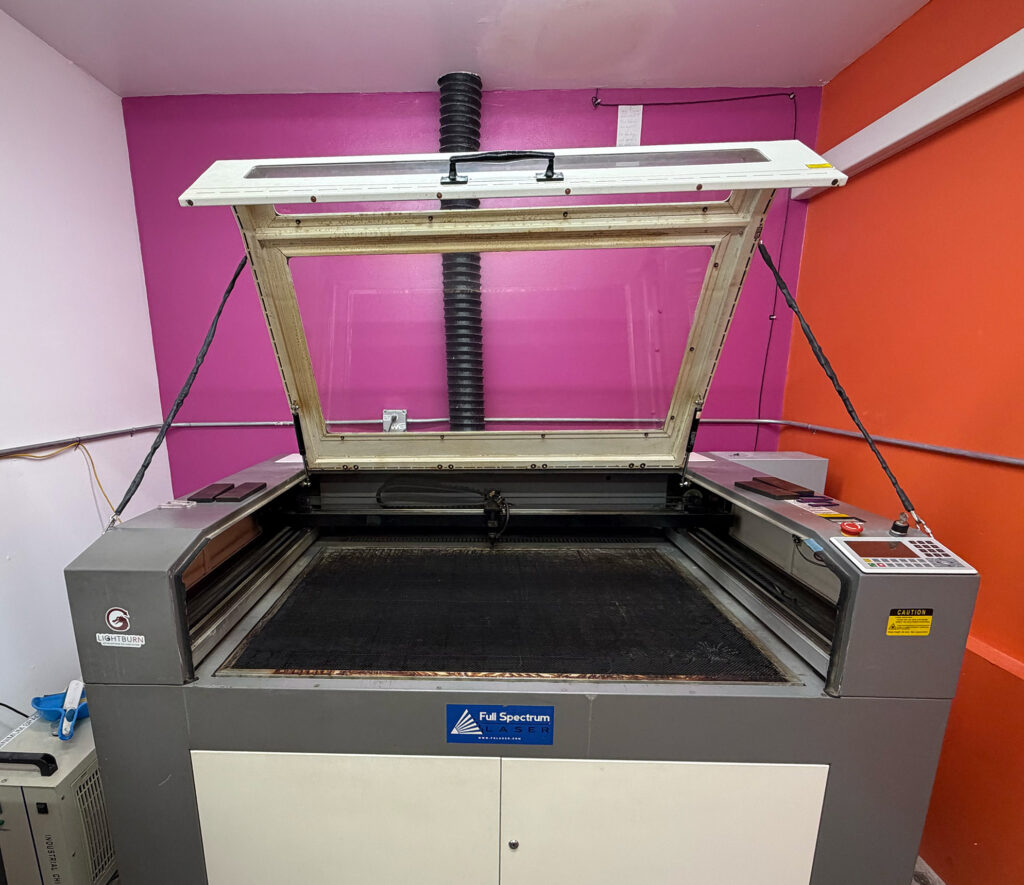
The problem described in the previous article persisted for days. Sometimes it would disappear for a short while, and then come back suddenly. Users were informed of the problem and the possibility of workarounds, as described in that article, and were able to get some work done.
On July 2, Marcus reported that the laser had been working great and then suddenly was not firing at all. I thought that sounded like the power supply had in fact been faulty for a while, and had now finally given up the ghost. I offered some possible experiments that would help to rule out other possibilities.
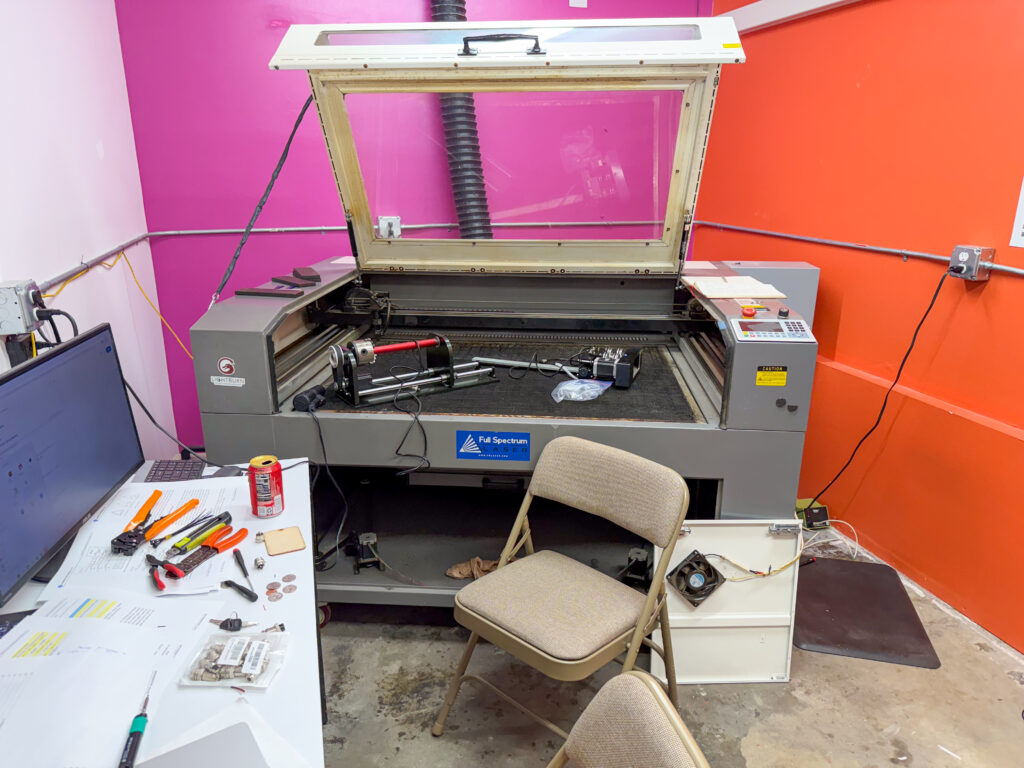
On July 3, I set aside some time to work on the problem, and brought the new power supply that I had ordered as a potential solution. A quick test verified Marcus’s report: everything was working except the laser wasn’t firing.
I opened the lower right-hand service doors and looked at the power supply. It didn’t take long to notice that none of the LED indicators on the power supply was lit. At least the red power LED should have been on, if AC power going into the power supply was good. I checked that with a digital multimeter, and sure enough, there was good AC power at the input of the power supply. Definitely something was wrong in the power supply.
This is not a huge surprise. In the 12 years we’ve been operating this laser (including some time off for the pandemic), we have only seen a few hardware failures, and several of them have been in the high voltage power supply. In fact, all of those failures have been the exact same: we saw diminished laser output power, followed by zero output power. In each case, this was caused when the internal surge suppressors (or “inrush current limiters”) failed. Slowly, and then all at once. The first time that happened, I consulted with the importer/manufacturer, Full Spectrum Laser in Las Vegas. Somewhat to my surprise at the time, they suggested that I open up the high voltage power supply and inspect visually for failed components. I guess they knew what I’d find: fried surge suppressors.
And here’s what I found this time:

Yup, more fried surge suppressors. The pattern of symptoms wasn’t exactly the same as before, but the failure mechanism was the same.
For reference, this is what they look like in the new power supply:
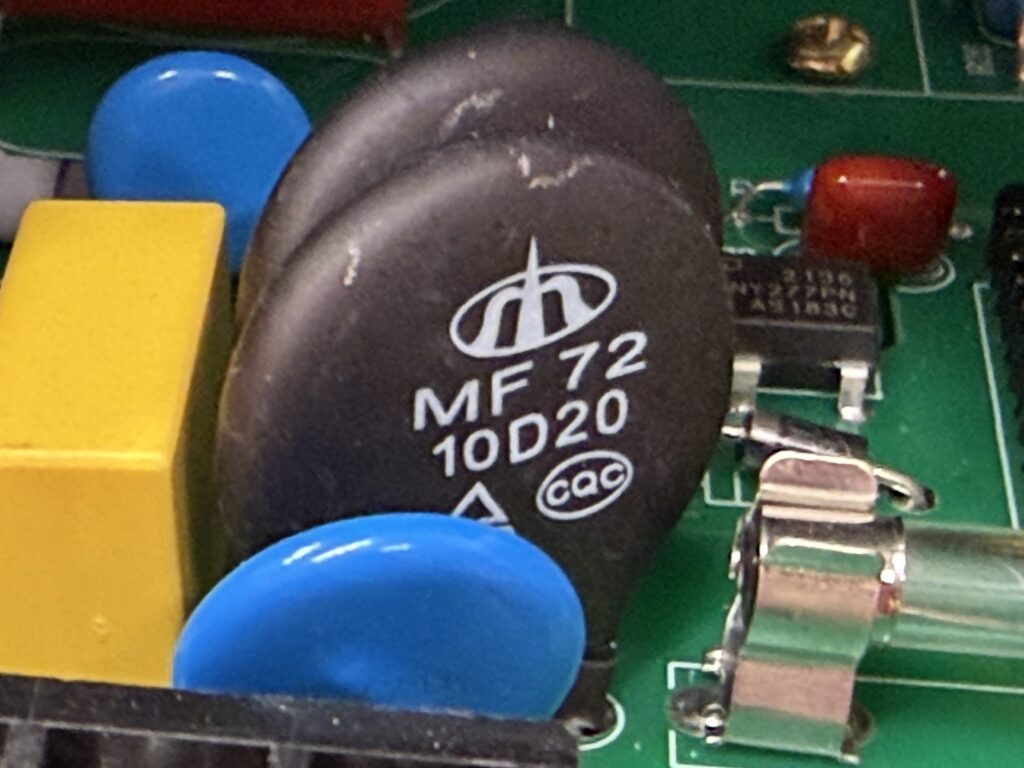
This is a slightly different circuit layout and a slightly different surge suppressor device. Maybe the new design will be more robust; only time will tell.
Back when this failure happened the first time, I ordered six new surge suppressors, so that I could replace both of the failed units and have spares for two more failures. But now I was out of spares, having (I think) used all the spares on subsequent failures. I ordered some more, so I could repair the failed power supply several more times, but they would take several days to arrive. So I decided to go ahead and install the new power supply in the laser chassis and see what happens. I expected the power supply to be a direct drop-in replacement. It was the same size and shape, and had all the same connections and LEDs in the same layout on one end, and a ground wire and the same kind of heavily-insulated high-voltage connector on the hot lead, both coming out of the other end.
There were a few plot twists during the installation. Most obviously, there was a connector inline with the ground wire. I’m not sure, but I think I added that connector during the first repair job, to make it easier to remove and replace the power supply without fishing wires through the chassis. But I didn’t have a spare mating connector for this, and didn’t think it would be possible to buy one locally, especially not on the (observed) Independence Day holiday. At home, I had some suitable connectors of another type. I decided to use those in such a way that either the old power supply or the new one could be hooked up easily. After a trip home to obtain the connectors and install them, I returned to Colab expecting (once again) to drop the power supply into the chassis with minimal trouble.
That almost worked. But I couldn’t get the high voltage connector on the hot wire from the new power supply to mate with the existing connector on the wire that runs through the chassis to the laser tube. The connectors look identical, but apparently the mating pin is a slightly different diameter. I can’t complain too loudly about this, because the power supply does come with a fresh new high voltage wire with the proper mating connector. I’d just have to run the supplied wire through the chassis to the end of the laser tube. Because I wanted to be able to use either the new power supply or the old power supply, I wanted to leave the old wire in place, too.
The old wire was routed through the chassis inside a piece of silicone rubber tubing. I believe this is primarily to protect it from mechanical damage, rather than to provide additional insulation, since the wire’s own insulation is rated high enough to handle the laser voltage. I didn’t have any silicone tubing to hand, but I did have some clear vinyl tubing left over from repairing the water chiller, so I used that. It was a hassle to get the wire through the tubing, but eventually I succeeded. I raided Colab’s electronics lab for a suitable ring terminal to crimp onto the end of the wire, and some nylon wire ties, and that part of the installation was complete. I reconnected all the AC and low voltage connections, which were compatible, and buttoned up the laser chassis.
A quick test showed that the laser was now firing again. No little outages, either. The failed power supply was the whole problem, and very likely just the failed surge suppressor devices.
One thing remained to be taken care of. The power supply has an adjustment to limit the maximum current it will supply to the laser tube. This limit can’t exceed the specified limit of the connected laser tube, or else the tube’s service life will be greatly reduced. This power supply can deliver 35mA, but our tube wants the limit to be 28mA (which allows use of 100% power without impairing tube life). I had to adjust the multi-turn potentiometer to reduce the limit. The power supply designers left a hole in the side panel of the power supply enclosure so that the adjustment can be made safely without opening up the power supply. Unfortunately, the designers of the laser chassis tucked the power supply into a corner in such a way that the adjustment is blocked by a chassis wall. So the power supply had to be dismounted from the chassis and balanced in the access opening in order to turn the tiny screw on the potentiometer. This was only a hassle, and not actually a big problem.
With the power supply working and properly adjusted, the laser is again in service and working a little better than before. I imagine the improvement is due to lower losses in the fresh surge suppressors as compared to the partially damaged ones we’ve been using for a while.
So, if you have settings memorized for certain types of jobs that you do from time to time, you may want to revisit those settings next time. You may be able to lower the power and/or increase the speed, thanks to the improved performance of the power supply. For example, a reliable clean cut through the standard 3mm baltic birch plywood had been requiring a speed of 45 mm/sec at 100% power. Now, you can make the same cut at about 65 mm/sec.
The same will apply to settings taken from the Materials Library in LightBurn or from entries in the log book made in the months leading up to July 3, 2026.